
Tax invoice, commercial invoice or credit note?
You issued “an invoice”. Was it a tax invoice, a commercial one — and when half the order comes back, do you edit it or issue something new?
Tax invoice
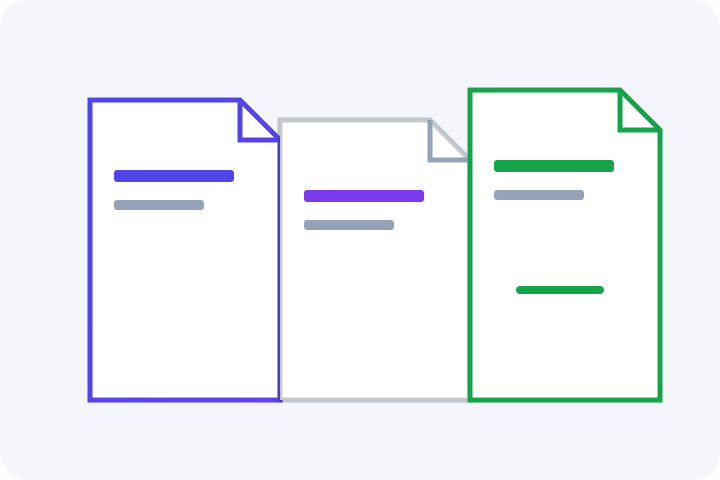
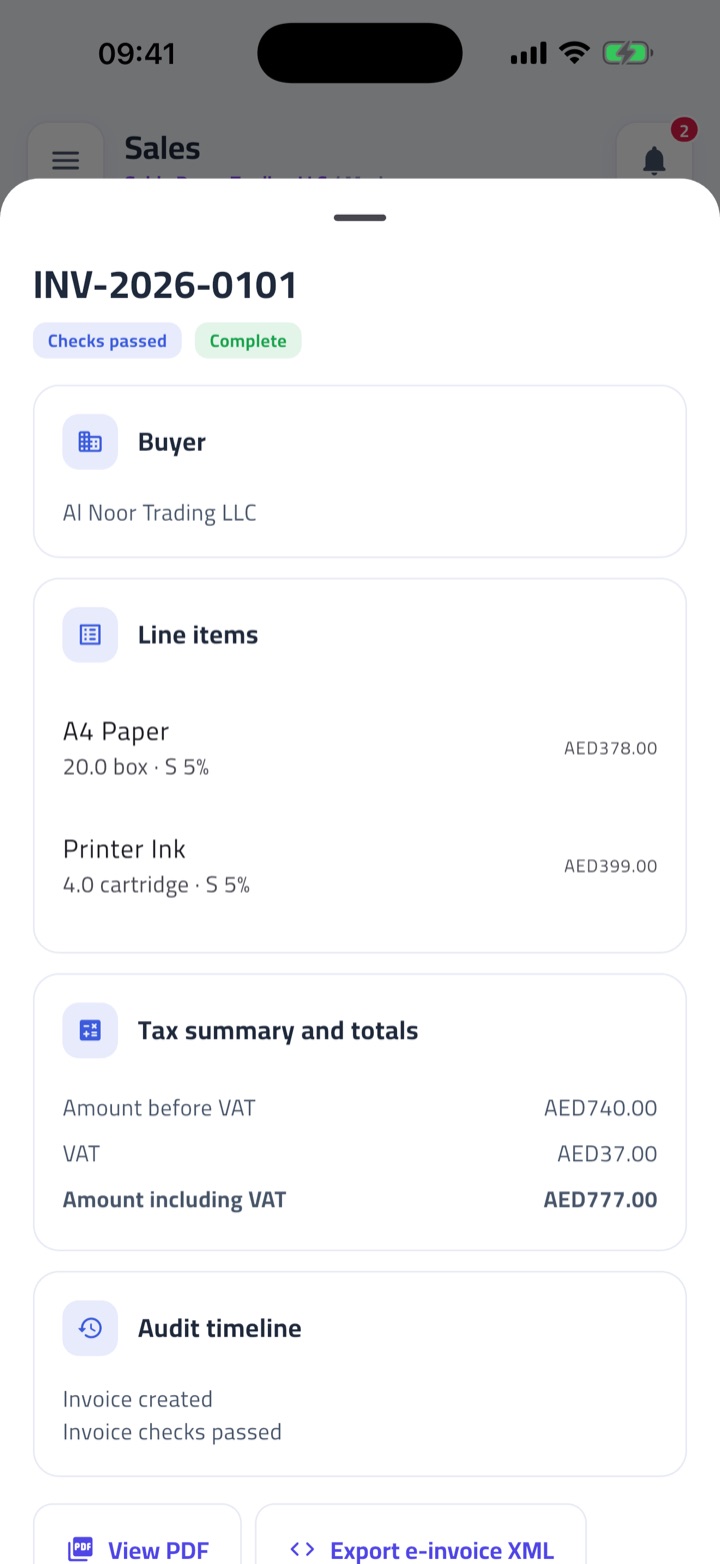
A tax invoice is what a VAT-registered seller issues. In the e-invoice world its document type is 380. It carries VAT lines: category and rate on each item, and totals that include the tax. The seller has a TRN. The buyer, when VAT-registered, has one too. This is the document most people picture when they say “invoice” in the UAE. It is not the only one.
Commercial invoice
A commercial invoice is what a verified non-VAT-registered seller issues. Document type 480. It has no VAT lines — you are not charging VAT, so you do not print a five-percent column and leave it at zero for show. The seller is identified without a VAT TRN. Commercial invoices are still in scope for e-invoicing when the supply is B2B or B2G. Not being VAT-registered is not a way out of structured invoicing to businesses.
Simplified tax invoice
Before e-invoicing applies, the VAT rules allow a simplified tax invoice when the recipient is not VAT-registered, or when the recipient is VAT-registered and the consideration does not exceed AED 10,000, unless reverse charge applies. That second case can be B2B. When a tax invoice must be, or is voluntarily, issued as an Electronic Invoice, Article 59(16) says the simplified-invoice clauses do not apply: use the full electronic tax-invoice data instead. B2C sales remain outside e-invoicing for now, but that scope rule is separate from the VAT rules for simplified invoices.
Credit note
A credit note is document type 381. It can be full or partial. It points at the original invoice. You never edit an issued invoice to fix a quantity, a price or a returned line. You issue a credit note. That is the VAT practice and it is the e-invoice practice. A credit note needs the same party details as the original. If you cannot find the original number, you cannot issue a proper credit note — go find the number.
Which one, when
- Are you VAT-registered? If yes, a tax invoice (380) for in-scope sales. If no, a commercial invoice (480).
- Is this an ordinary VAT invoice outside e-invoicing, and does Article 59 allow the simplified form? Then it may apply. If it is an Electronic Invoice, use the full electronic tax-invoice data.
- Are you reversing or reducing an issued invoice? Issue a credit note (381). Do not edit the original.
- Unsure about VAT status? Do not guess a TRN. Store the status once and let the document type follow it.
The decision is mechanical once the seller's VAT status is stored. The pain is issuing the wrong type for months and then trying to convert a stack of PDFs. Pick the type on the first invoice of the quarter, not the last. If you issue both wholesale invoices to companies and counter sales to consumers, keep the e-invoicing scope and VAT document rules apart: a simplified invoice is not always B2C, and a B2C sale may still need a VAT invoice. A short written rule on the wall — full electronic tax invoice for registered in-scope sales, commercial invoice if you are not registered, credit note when something comes back — saves a long cleanup later.
Questions owners ask
Can I edit an invoice after sending it?
No. Issue a credit note against the original. Editing a sent invoice breaks the record the buyer and the Authority would each hold.
I am not VAT-registered — what do I issue?
A commercial invoice, type 480, with no VAT lines. It is still an e-invoice when you sell to a business or to government.
Does a credit note need the original invoice number?
Yes. The credit note exists to adjust a specific document. Without that number it is just another invoice with a minus sign, and that is not enough.
How Fatura Sahla helps
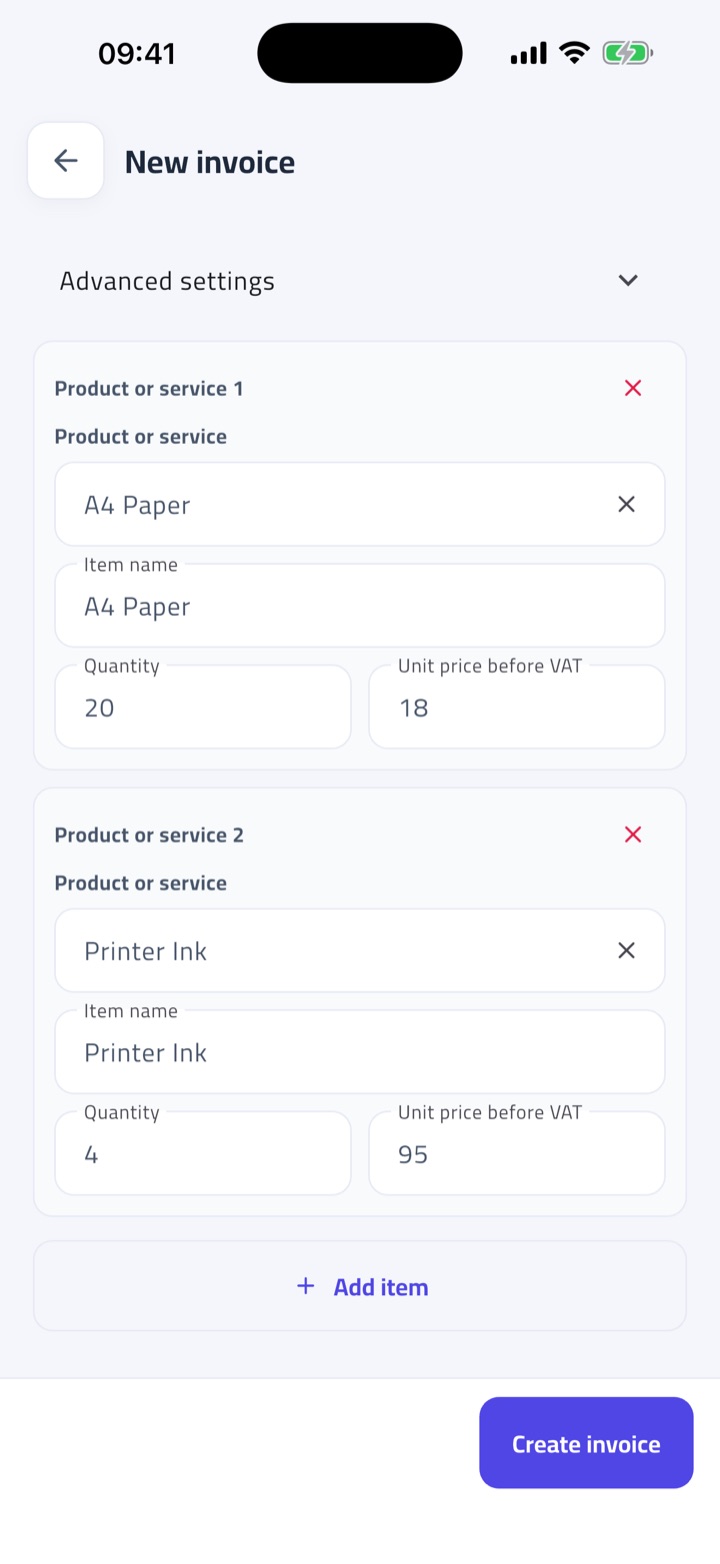
The document type follows the seller's stored VAT status. Credit notes are issued against the original in two taps.
We meet you where you are, and get you e-invoice-ready with near-zero overhead.
Your sales live in notebooks, spreadsheets and sales people in the field
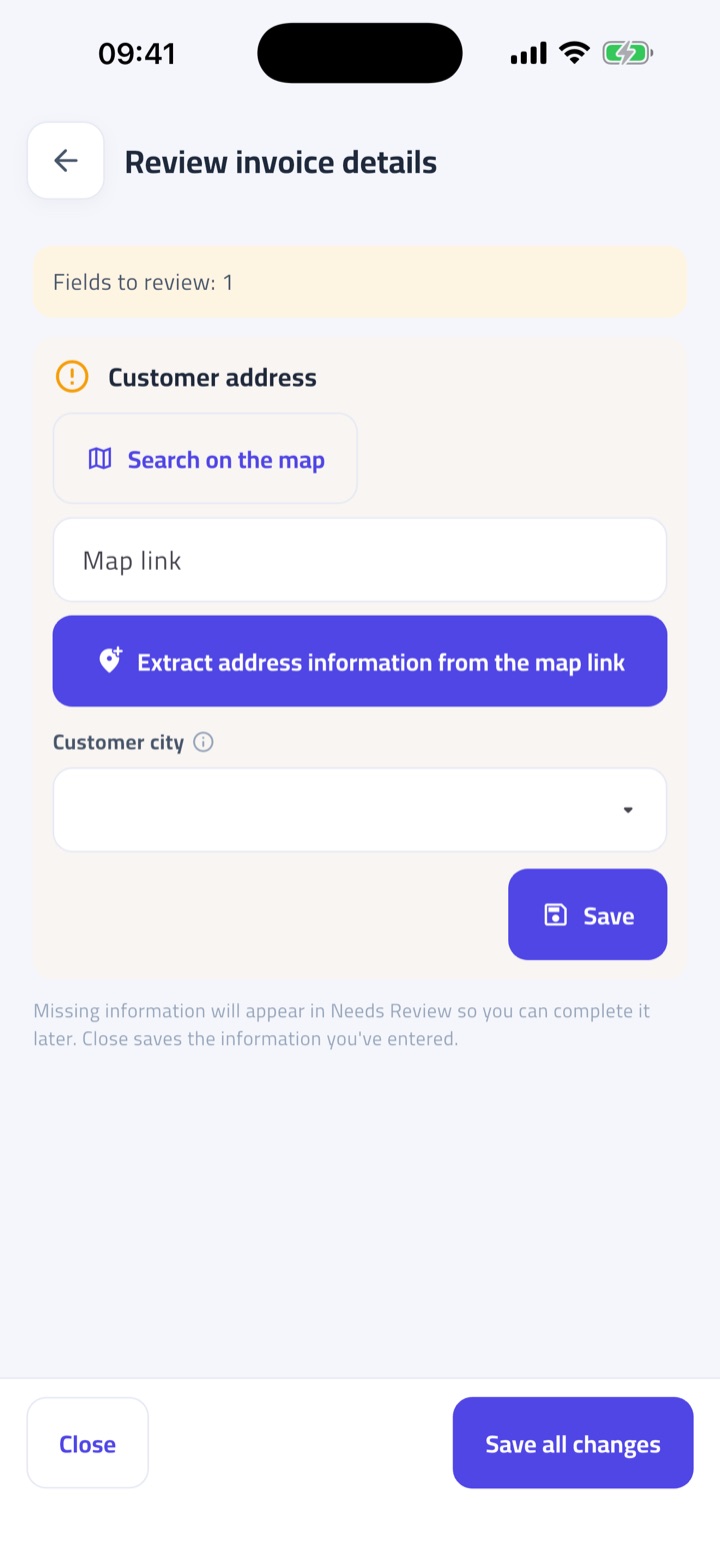
Photograph the paper, import the sheet, or type it in. Every path ends in one complete record, checked in plain words.
A computer, a smartphone, a tablet, or a simple phone with WhatsApp
Works in the browser and on Android and iPhone. Send an invoice photo to WhatsApp and get the finished PDF back in the chat.
A team that reads English, Arabic, Urdu, Hindi, or a mix of them
The app, the WhatsApp replies and every check speak all four. Invoices print in English or Arabic, whatever the team uses.
Fatura Sahla helps you get ready. It is not an Accredited Service Provider and does not send invoices to the Federal Tax Authority. This article is general information, not tax advice.
Last reviewed September 15, 2026